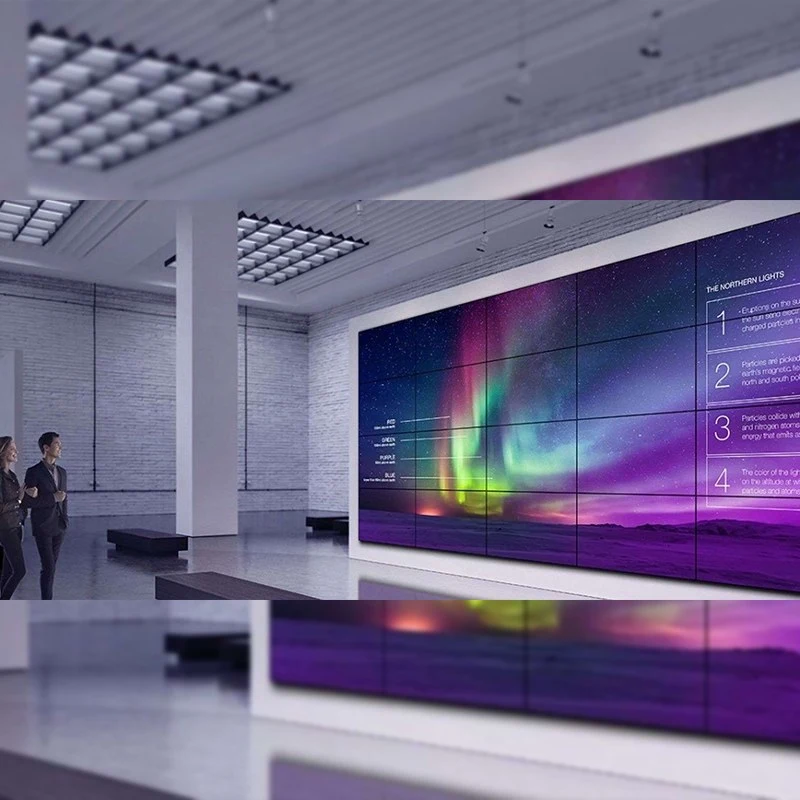
LCD video walls are widely used in command centers, retail stores, corporate lobbies, and digital signage networks due to their high brightness和reliable performance. However, even a high-end Qtenboard video wall can occasionally show a blurry or unclear image. Understanding the root causes can help you quickly restore optimal clarity.
This article explains why blurriness occurs and provides professional troubleshooting steps to resolve the issue efficiently.
Blurry output typically results from configuration, signal, or hardware issues. Below are the most frequent reasons:
If the video wall receives a degraded signal, the displayed image may appear soft or out of focus. Common reasons include:
A weak signal leads to visible image noise and reduced clarity.
Qtenboard LCD video walls perform best when the source output matches the native resolution of each panel. If the signal is scaled improperly, the screen may look pixelated or blurry, especially when showing detailed content or fine text.
Video walls consist of multiple LCD panels. If one or more panels are slightly misaligned, users may notice:
Misalignment usually occurs after transport, installation, or accidental impact.
Over years of operation, some components naturally degrade. Dimming backlights or panel wear can reduce image sharpness and cause inconsistent brightness across the wall.

Once the cause is identified, you can apply the following fixes.
Stable cabling ensures the Qtenboard video wall receives a clean signal.
Verify that:
Matching resolution is crucial for accurate sharpness.
If the seams appear uneven, realign the panels by:
Proper alignment ensures a seamless, crisp viewing experience.
Evaluate whether components show signs of aging:
If necessary, replace the affected modules or contact Qtenboard for professional maintenance.
Sometimes the processor or controller may hold incorrect settings. Resetting or updating firmware often resolves visual anomalies.
If blurriness persists after troubleshooting, it’s best to seek help from Qtenboard engineers. They can provide:
Prompt support ensures your video wall maintains long-term stability和premium display quality.
A blurry Qtenboard LCD video wall is usually caused by signal degradation, resolution mismatch, panel misalignment, or aging components. By following structured troubleshooting steps—checking cables, optimizing resolution, recalibrating alignment, and inspecting hardware—you can restore the display to its intended clarity.
If the issue remains unresolved, the Qtenboard technical team is always ready to assist with professional diagnostics和repair services.
Click to read the product details and learn about its functional features and actual performance.
📖 Read Product