When selecting an electronic display, most buyers focus on specifications such as screen size, resolution, or panel technology. While these factors are undeniably important, brightness—measured in nits—is often underestimated, even though it plays a critical role in real-world viewing experience.
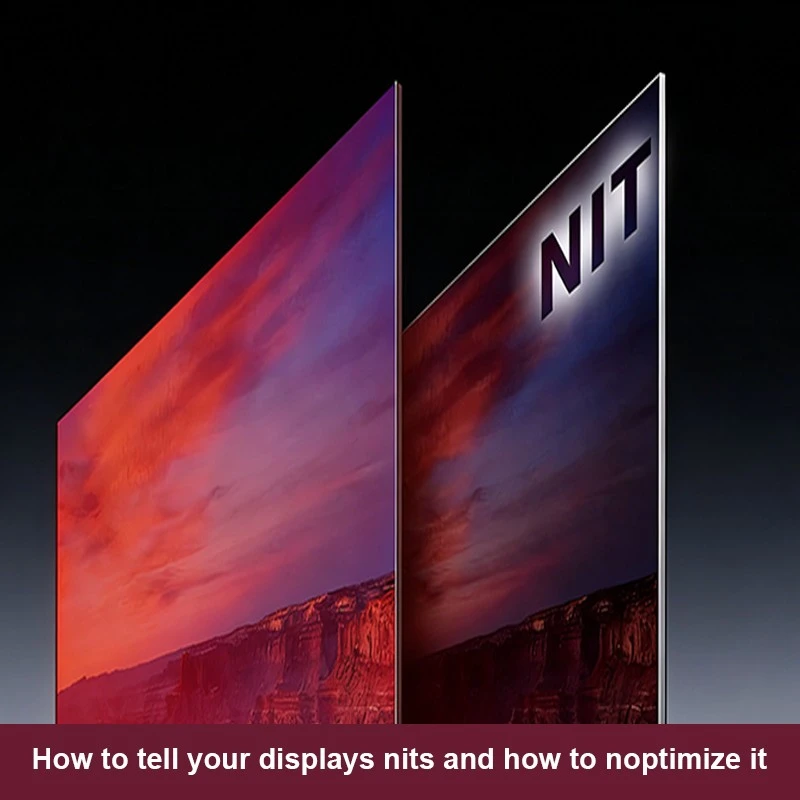
So how do you tell your display’s nits, and more importantly, how do you optimize brightness for your actual usage environment? Whether you are choosing an interactive whiteboard for a classroom, digital signage for retail, or a commercial display for conference rooms, understanding nits can help you make a far more informed decision.
This article explains what nits are, why they matter, how to identify them, and how modern technologies—such as smart brightness adjustment—are changing the way commercial displays perform in everyday environments.
A nit is a unit used to measure brightness. Technically, one nit equals one candela per square meter (cd/m²), which represents the amount of light emitted from a display surface.
In simple terms, nits tell you how bright a screen can get. The higher the nit value, the brighter the display appears. When comparing two screens with the same resolution and size, the one with higher nits will generally be more visible in bright environments.
Brightness becomes especially important for commercial displays such as interactive whiteboards, advertising displays, and digital signage, where lighting conditions are not always controllable.
Brightness directly affects visibility, comfort, and usability.
In environments with strong ambient light—such as classrooms with large windows, shopping malls, airports, or outdoor-facing storefronts—displays with insufficient nits can appear washed out. Content becomes harder to read, colors lose accuracy, and the screen fails to deliver its intended impact.
On the other hand, a display that is too bright in a darker environment can cause eye strain, visual fatigue, and unnecessary energy consumption.
This is why understanding how to tell your display’s nits is not just a technical concern—it directly impacts user experience, efficiency, and long-term satisfaction.

There are several reliable ways to determine the brightness of a display.
There is no single “perfect” brightness level. The ideal nits depend heavily on usage scenarios and environmental lighting.
| Application Scenario | Ideal Nits Level |
|---|---|
| Indoor office or classroom displays | 300-500尼其 |
| Interactive whiteboards | 400–500 nits (depending on size and usage) |
| Retail digital signage | 500–700 nits or higher |
| Outdoor-facing or window displays | 1000 nits or more |
For most indoor commercial applications, brightness must balance clarity and comfort. This is why professional displays are engineered differently from consumer TVs.

Yes, most modern commercial displays allow brightness adjustment.
Users can manually adjust brightness through system settings or on-screen menus. This flexibility allows displays to adapt to different environments and user preferences.
However, manual adjustment alone is not always ideal, especially in spaces where lighting conditions change throughout the day. This is where intelligent display technology becomes essential.
Smart brightness adjustment represents a significant evolution in display technology.
Instead of relying solely on manual settings, displays equipped with smart brightness control use built-in light sensors and intelligent algorithms to detect ambient lighting conditions in real time.
When the surrounding environment becomes brighter, the display automatically increases its nits level to maintain visibility. When ambient light decreases, the screen reduces brightness to prevent eye fatigue and conserve energy.
This technology offers several key advantages:
For commercial environments such as classrooms, conference rooms, and retail spaces, smart brightness adjustment ensures that displays always operate at an optimal level without constant user intervention.

Qtenboard designs its commercial displays with real-world usage in mind, combining appropriate brightness levels with intelligent control technologies.
Qtenboard provides professional consultation to help customers choose the most suitable brightness configuration for their specific project requirements.
Selecting the correct nits level involves more than choosing the highest number available. Factors such as environment, usage duration, content type, and user comfort must all be considered.
Professional suppliers like Qtenboard assist customers by evaluating real application scenarios rather than relying on generic specifications. This approach ensures that displays perform optimally over the long term.
If your project requires customized brightness levels—whether for interactive education, corporate collaboration, or commercial advertising—Qtenboard can provide tailored solutions based on your exact needs.
Understanding how to tell your display’s nits is a critical step in selecting the right screen for any application. Brightness affects not only visibility but also comfort, efficiency, and overall user experience.
With advancements such as smart brightness adjustment, modern displays can now automatically adapt to their environment, delivering consistent performance without constant manual control.
Qtenboard combines professional-grade brightness levels with intelligent display technology to support a wide range of commercial applications. If you are planning a display project and need expert guidance on brightness optimization, contact Qtenboard to learn more about our customized display solutions.
單擊以閱讀產品詳細信息,並了解其功能特性和實際性能。
📖閱讀產品