Have you ever been in the middle of a classroom presentation when students at the back suddenly stop engaging—not because the topic is boring, but because they simply cannot see the details on the screen?
This is one of the most common challenges teachers face in modern classrooms. As lesson content becomes more visual, more detailed, and more digital, electronic whiteboards must do more than just display information. They must help teachers guide attention, reveal detail, and control visual focus in real time.
That is exactly where zoom functionality on electronic whiteboards becomes essential.
With Qtenboard electronic whiteboards, zooming is not a secondary feature. It is a core interaction designed to support classroom presentations, collaborative learning, and hybrid teaching environments. From pinch-to-zoom gestures to split-screen navigation, Qtenboard electronic whiteboards allow educators to move smoothly between big-picture explanations and fine-detail analysis—without interrupting the flow of teaching.
In this guide, we will explore how to use electronic whiteboards effectively for zooming, why it matters for classroom presentations, and how Qtenboard electronic whiteboards make zooming intuitive, accurate, and natural for teachers and students alike.
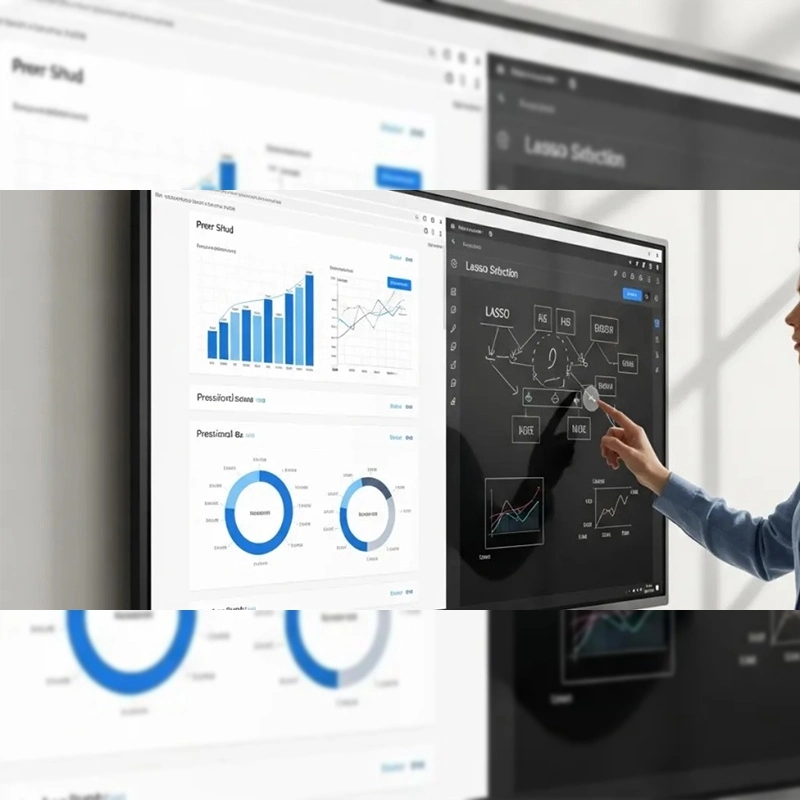
Modern electronic whiteboards are built on advanced multi-touch technology, allowing multiple points of interaction simultaneously. This hardware foundation makes intuitive zoom gestures possible across applications, documents, and media.
Just like smartphones and tablets, electronic whiteboards rely on the universal pinch gesture:
On Qtenboard electronic whiteboards, this gesture is highly responsive and optimized for large-format displays. Even when multiple users interact at the same time, zoom actions remain smooth and accurate.
This familiarity reduces the learning curve for teachers. There is no need for complicated menus or toolbars—zooming on electronic whiteboards becomes second nature.
Classrooms are not flat environments. Students sit at different distances, angles, and heights. When small text, diagrams, or formulas appear on electronic whiteboards, zooming ensures every student has equal access to information.
With Qtenboard electronic whiteboards, teachers can instantly zoom into critical content without stopping the lesson or switching devices.
Effective teaching is visual storytelling. Zoom allows educators to:
Electronic whiteboards equipped with responsive zoom features make this storytelling fluid and engaging.
Qtenboard electronic whiteboards feature a built-in digital whiteboard optimized for teaching scenarios.
Unlike traditional boards, Qtenboard electronic whiteboards offer an infinite canvas. Teachers can write, draw, and annotate freely without worrying about space.
Zoom plays a key role in managing this space:
This makes Qtenboard electronic whiteboards ideal for subjects such as mathematics, physics, engineering, and biology.
One of the biggest frustrations with electronic whiteboards is lag. Qtenboard solves this with ultra-low latency technology, ensuring that zooming and writing happen simultaneously without delay.
Teachers can zoom in and write immediately—every stroke appears exactly where intended.
Classroom presentations often involve documents rather than blank canvases. On Qtenboard electronic whiteboards, document zooming works seamlessly across platforms.
Teachers can:
This is particularly effective during essay reviews, reading comprehension exercises, and collaborative editing.
PDFs are widely used in education but often difficult to read on large screens. Qtenboard electronic whiteboards allow teachers to:
Electronic whiteboards with high-resolution panels ensure that zooming enhances readability rather than degrading it.
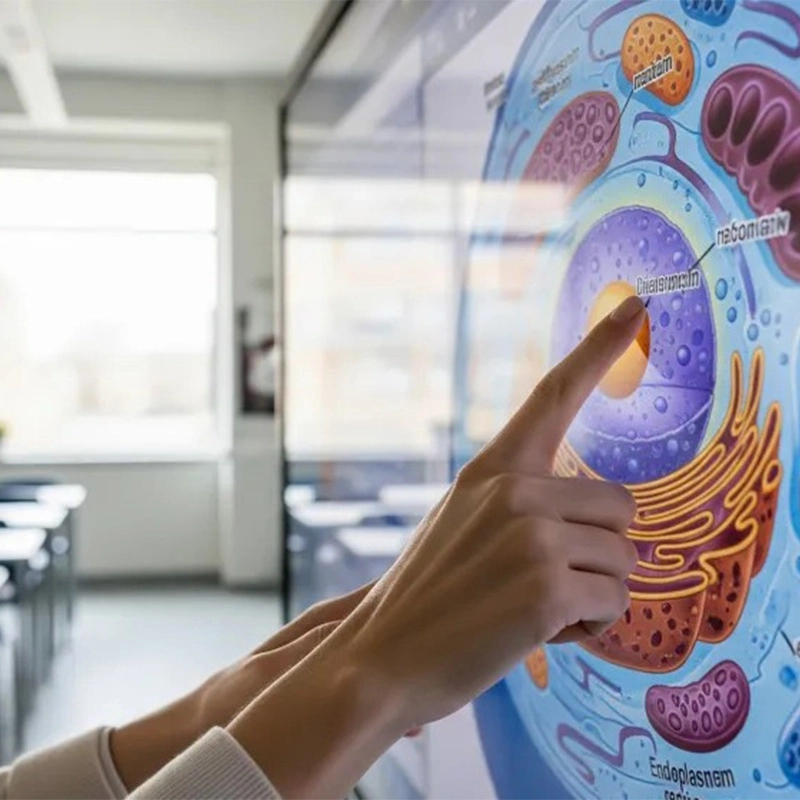
High-resolution images are powerful teaching tools. When combined with zoom, electronic whiteboards become digital microscopes.
With Qtenboard electronic whiteboards, teachers can:
This approach significantly improves comprehension and retention, especially in visual-heavy subjects like geography, history, and science.
For immersive learning experiences, Qtenboard electronic whiteboards support full-screen video playback. One tap expands the video to fill the entire display.
This is ideal for:
Instead of zooming directly into video frames, teachers can pause the video and annotate over it. On Qtenboard electronic whiteboards, these annotations remain precise and clear even at high zoom levels.
This technique keeps students focused while maintaining lesson flow.
One of the standout features of Qtenboard electronic whiteboards is split-screen multitasking.
Teachers can:
This allows for direct comparison, real-time explanation, and interactive discussion—all without switching windows.
Split-screen zooming is especially valuable for problem-solving, language learning, and data analysis.
Qtenboard electronic whiteboards support multi-touch and multi-user interaction. This means:
In hybrid classrooms, zoom actions on electronic whiteboards can also be mirrored to remote participants, ensuring everyone sees the same details.
Zoom should guide attention, not distract from content. Use it to highlight key points, transitions, and learning objectives.
Zooming becomes far more powerful when paired with writing, drawing, and highlighting. Qtenboard electronic whiteboards are designed for this combination.
The best classroom presentations feel effortless. Practicing zoom gestures on electronic whiteboards helps teachers maintain confidence and flow.
Qtenboard electronic whiteboards are designed specifically for education-focused interaction:
These features ensure that zooming is not just possible—but enjoyable and reliable.
Zooming on electronic whiteboards is more than a technical function. It is a teaching strategy that enhances clarity, engagement, and understanding.
With Qtenboard electronic whiteboards, teachers gain full control over visual focus. Whether zooming into a formula, an image, a paragraph, or a video frame, Qtenboard helps educators deliver lessons that are clear, interactive, and impactful.
If you are looking to elevate your classroom presentations, mastering zoom on electronic whiteboards—and choosing the right platform like Qtenboard—is the place to start.
單擊以閱讀產品詳細信息,並了解其功能特性和實際性能。
📖閱讀產品